
A name with a history
Start with a house name, motto, heraldic description and a prepared founding history. Adapt the river-house details to the places and events of your campaign.
A family. A title. An obligation.
An heir waits for confirmation. An estate needs protection. An old promise strains a marriage. Build a hereditary-house dossier, review its relationships and give the family a place in your adventure.
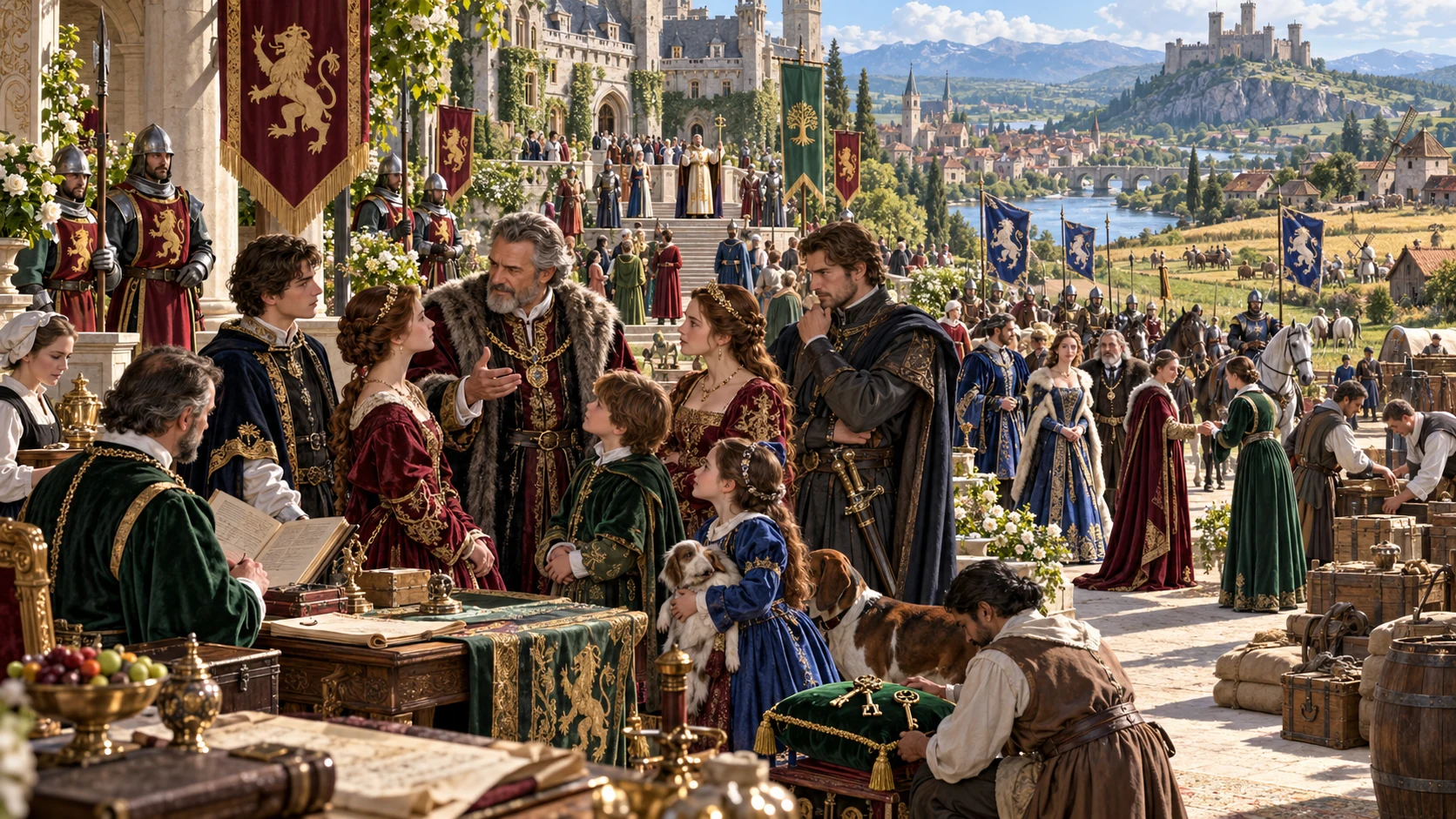
Hereditary power with a human face
Prepare a house as a collection of people, duties and pressures you can use at the table.
Start with a house name, motto, heraldic description and a prepared founding history. Adapt the river-house details to the places and events of your campaign.
Inspect a current head, declared heirs, title holders and a house compact. Treat their claims as authored preparation that needs your review.
Read estates, income descriptions, household retainers and debts. Use them to frame choices rather than model an economy or simulate political outcomes.
The result separates a player profile from the full dynasty. Review both after changes so names, claims and private material stay where you intend.
Plan the family and its obligations
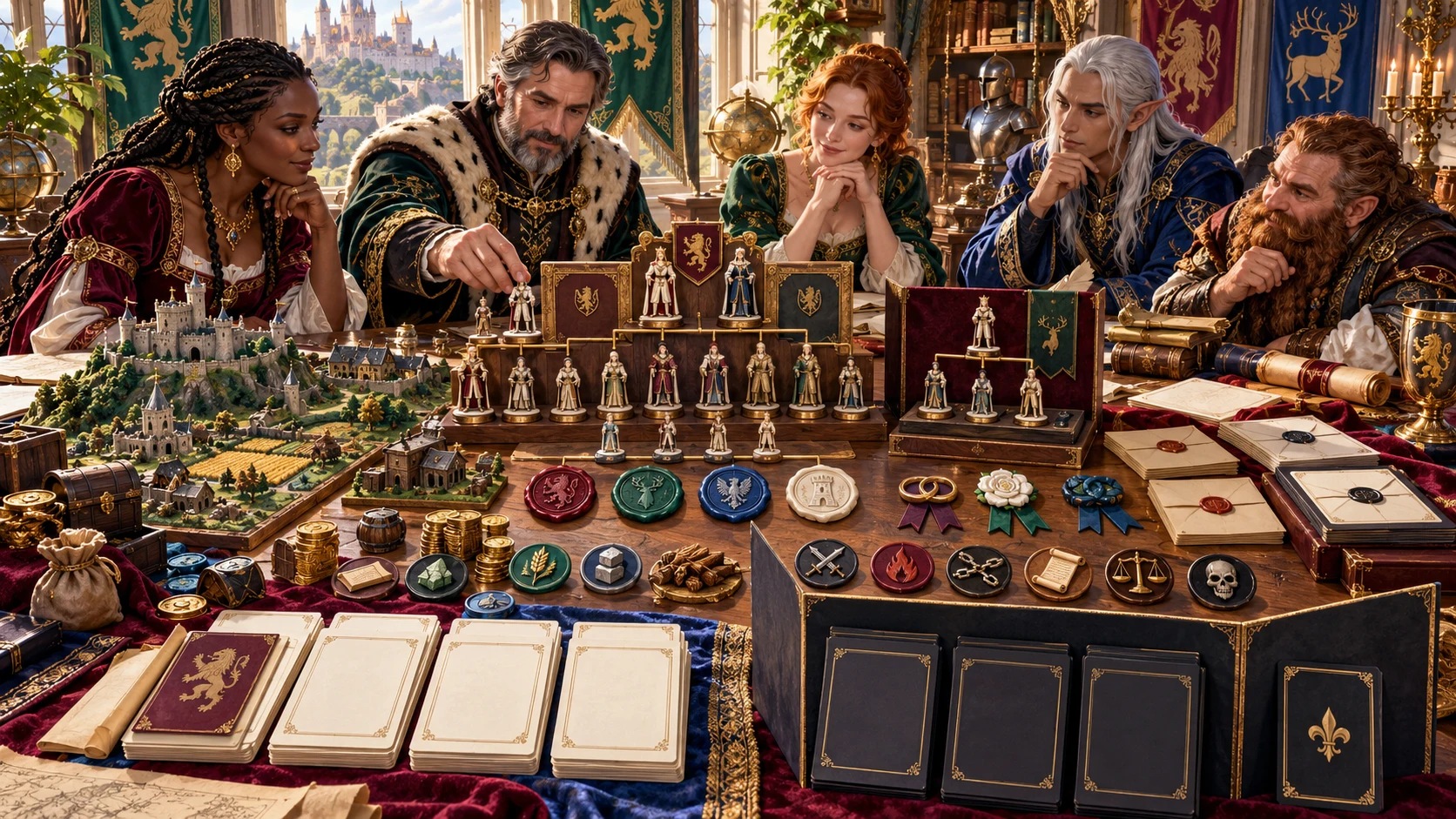
The illustration shows nobles reviewing family figurines, estate models, seals and documents. The tool supplies a structured starting dossier; you decide how its inheritance, marriages and obligations fit your setting.
Choose a foundation, generate, inspect the relationships and edit the actual house data. Save a reviewed result before trying another variation.
From foundation to reviewed dossier
Keep the full record and the player-facing profile aligned.
Set rank, wealth, realm context and public reputation in Quick, or use Deep for additional descriptive choices and presets.
Read the family, heirs, estates, marriage terms and succession pressure together. The prepared template needs your campaign judgement.
Reroll one unlocked group or use the structured JSON editor. Check related sections and the separate player profile after changes.
Explicitly Save a validated record to your account. Select the intended audience view, review it and copy, download or print.
The current house toolkit
Prepare lineage, duties and conflict with clear boundaries.
Generate a named house with heraldic description, head, heirs, family links, titles, estates, retainers and obligations. Review the prepared template as a starting point for your setting.
Quick exposes rank, wealth, realm context and reputation. Deep exposes additional descriptive controls and presets; both produce a complete dossier with the same output structure.
Read declared heirs, the house compact, marriage terms, alliances and a contained feud. The generated family uses five people and two heirs; family-size settings do not change that count.
Reroll lineage, holdings, relations, legacy, pressure or physical conflict. Locks block that scoped reroll; Generate again replaces the complete dossier even when areas are locked.
Use the JSON editor to revise people, titles, estates and obligations. Required-section checks support saving, but they do not prove every person link, inheritance claim or resource relationship is consistent.
Explicitly Save through the Desktop Command Centre session. Search house names, ranks, succession labels and notes; reopen saved results and up to ten prior result versions.
Choose the full DM dynasty or separate player profile, then copy or download its JSON. Generated private fields are separate; review edits and retained profile details before sharing.
Send an eligible duel, estate raid or assassination attempt for Combat PRO review. The prepared encounter contains an instruction placeholder for opponents, not ready creature statistics.
Choose the controls you need
Both modes create the same complete dossier structure.
Rank choices include minor, major, great, royal, cadet, disgraced and restored. Wealth and reputation help qualify the record; rank is not an automatic resource-balancing rule.
Use settled, uncertain, disputed or crisis succession. Marriage strategy and scandal qualify corresponding text and scene eligibility. Review the actual claims.
Try royal dynasty, cadet branch, succession crisis, marriage alliance, feud or household retinue presets. They fill selected controls; change the resulting dossier as needed.
Family size does not add relatives. Several influence and quantity controls describe the fixed template rather than change the family or simulate its holdings.
A record for the house and the table
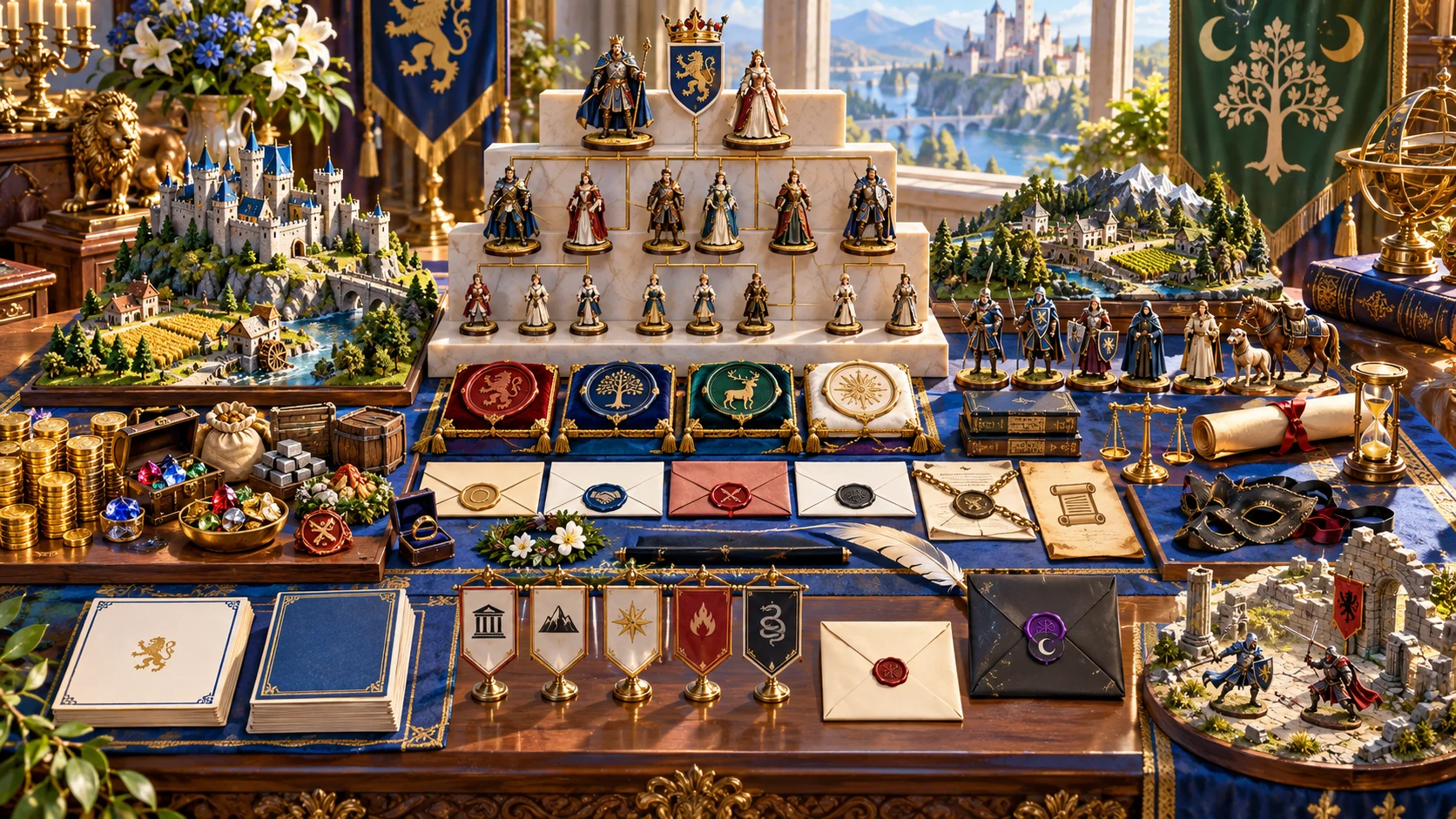
Family figurines, seals, estates, letters and a conflict model illustrate the dossier. Actual output is structured data, not generated artwork or a visual family-tree chart.
Review the DM dynasty and separate player profile. Keep the house through account saves or selected JSON downloads.
Change one area with care
Grouped rerolls preserve other fields rather than reconcile them automatically.
Choose lineage, holdings, relations, legacy, pressure or conflict. A scoped reroll replaces its grouped fields; some prepared details can repeat.
A lock stops that named area’s scoped reroll. Full Generate again replaces the dossier; locks do not preserve areas during a full generation.
Parameters and the separate player profile remain during a scoped reroll. Review them after changing head, heirs, marriage details or public history.
Generation increments a variation counter. Seed alone is not an exact restore. Save the complete result and review current controls before another generation.
Authored preparation, reviewed by you
The dossier supplies context; it does not advance a living realm.
Structured editing can change people and relationships. Required-section validation does not prove person IDs, parent and spouse links, title eligibility or lawful inheritance.
Generated private fields are separate. Edited secrets are not reliably redacted; inspect the actual player profile before sharing or printing.
Lineage, alliances, secrets and political outcomes remain here. No automatic realm simulation or resolution of player decisions is included.
An eligible incident can become a saved Combat PRO Standard encounter. Replace its opponent instruction placeholder with appropriate creature records and review before play.
Choose access for your toolkit
Begin with a free VISINVOKE account, then review the required selection and subscription.
Select Noble House & Dynasty Generator individually. Creating a free account does not by itself include paid generator access.
Choose five eligible standalone generators. Review tools and terms in your account; a selection pack does not include every VISINVOKE product.
Choose more capacity when it suits your toolkit. Review actual tools and reselection terms before changing your subscription.
Selected conflict preparation requires Combat PRO ownership and available saved capacity. Linked products retain their own access requirements.

Explicit Save uses the inherited Desktop Command Centre session and account library. There is no autosave or offline library fallback.
Saving the same identity retains up to ten prior results. Open a prior version, review it and Save to make it current again.
Cadet duplication changes the outer identity, name and rank. Open the saved branch and align its retained family and player profile manually.
Copy or download the actual DM or player JSON. Print uses the current view and print styling. There is no file-import or delete control in this interface.
Account saves require an available session. Reopening restores the result and notes, not every current form choice or generation counter.
Build your tabletop toolkit
Each card opens its own public website. Review purpose and access separately; links do not promise included access or automatic synchronisation.

Discover and open your supported Windows products through one connected VISINVOKE account.

Explore environment packs for tactical locations and the places your encounters unfold.
Review prepared opposition, tune creature statistics and run tabletop encounters with its own access.
Create focused character, monster, item and location images to complement your tabletop preparation.

Create guided commercial visuals for websites, brochures and wider creative projects.

Explore a separate futuristic RPG experience with its own world, characters and progression.
Product artwork illustrates house preparation, not application screens or actual generated image output.
Quick answers
Understand the current workflow before opening the tool.
Quick shows four foundation controls; Deep adds age, prestige, military and court influence, holdings, succession, family size, marriage strategy, scandal, belief influence and rivals. Both use the same complete dossier structure. Presets fill selected controls rather than provide different generation systems. The prepared river-house template contains five people, two heirs, two estates and fixed supporting details. Several controls label or qualify those details rather than change their quantity. Adapt them to your setting.
The generated template links a head, consort, declared heir, spouse and second heir, and supplies a house compact. The JSON editor allows direct changes. Save checks the schema, required sections, minimum people and heirs, plus limited text markers. It does not prove parent or spouse links, age chronology, title eligibility, lawful succession or rank-fit wealth. Review these relationships yourself after edits or a lineage reroll.
A lock prevents rerolling its named area. It does not protect that area during full Generate again. A scoped reroll replaces selected groups while retaining unrelated fields, including parameters and the separate player profile; these can need manual alignment. Generation also increments a variation counter, so the displayed seed alone is not an exact restore. Save the complete result before generating again. Reopening a record restores its result and notes, not every current control or the variation counter.
Explicit Save stores the current library in your VISINVOKE account through the existing Desktop Command Centre session. Saving the same house identity retains up to ten prior results. Open prior version loads that result; Save makes it current again. Duplicate as cadet branch saves a new outer identity, name and rank while retaining the original people and separate profile fields. Open and edit the branch to make those agree. There is no autosave, offline library fallback, file-import control or delete control in this interface; account saves need an available session and remain within its bounded library.
The generated player profile excludes the generated DM truth, secrets and private marriage clauses. It is a separate object, not automatically rebuilt after structured editing, scoped rerolls or cadet duplication. Copy and Download serialise the actual selected view. Validation uses limited text checks and cannot guarantee edited material is free of secrets. Inspect names, relationships and every player-visible value before sharing. Print invokes the current view with print styling.
Select an eligible honour duel, estate raid or assassination attempt. A ceremony-only military profile excludes the raid; assassination requires disputed or crisis succession. The handoff prepares the incident objective, zones and an inactive context note in a saved Standard encounter. Opponents are an instruction placeholder: replace it with appropriate creature records and review the encounter before play. Combat PRO ownership and available saved capacity are required. Sending the same house identity and incident again is a duplicate, not a revised encounter update. Family, titles, alliances, secrets and political outcomes remain in this generator.
Continue in VISINVOKE
Create a free VISINVOKE account and choose required standalone access.
Get Desktop Command Centre from your account installer page. Sign in on Windows, then open Noble House & Dynasty Generator.